
Installing GreenboardGo in Microsoft Teams
Overview
GreenboardGo is Greenboard’s AI-powered compliance assistant, and installing it in Microsoft Teams lets you chat with it right from the tools your team already uses. Setup has two parts: a Teams administrator uploads the GreenboardGo app to your organization and chooses who can use it, and then each user adds the app in Teams and connects their Greenboard account.
Important: Steps 1 through 11 must be completed by someone with Teams Administrator access.
Part 1: Admin Setup
Step 1: Open the Microsoft Entra admin center
Go to the Microsoft Entra admin center.
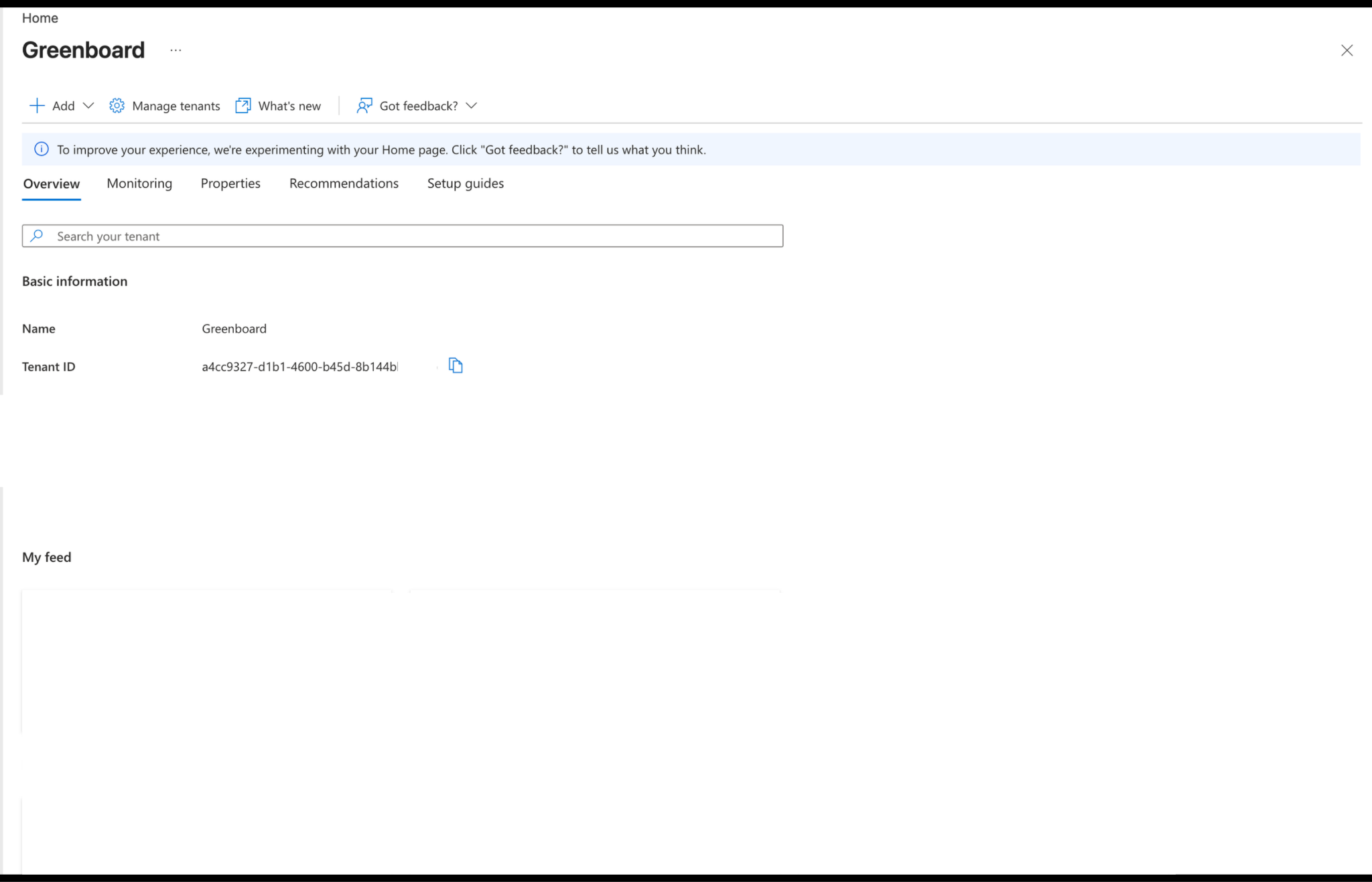
Step 2: Send Greenboard your Tenant ID
Share your organization’s Tenant ID with Greenboard so we can prepare an application package for your organization.
Step 3: Receive your application package
Greenboard will send you the package in response.
Step 4: Download the package and open the Teams admin center
Save the package to your computer, then go to admin.teams.microsoft.com.
Step 5: Go to Manage apps
In the left sidebar, click Teams apps, then Manage apps.
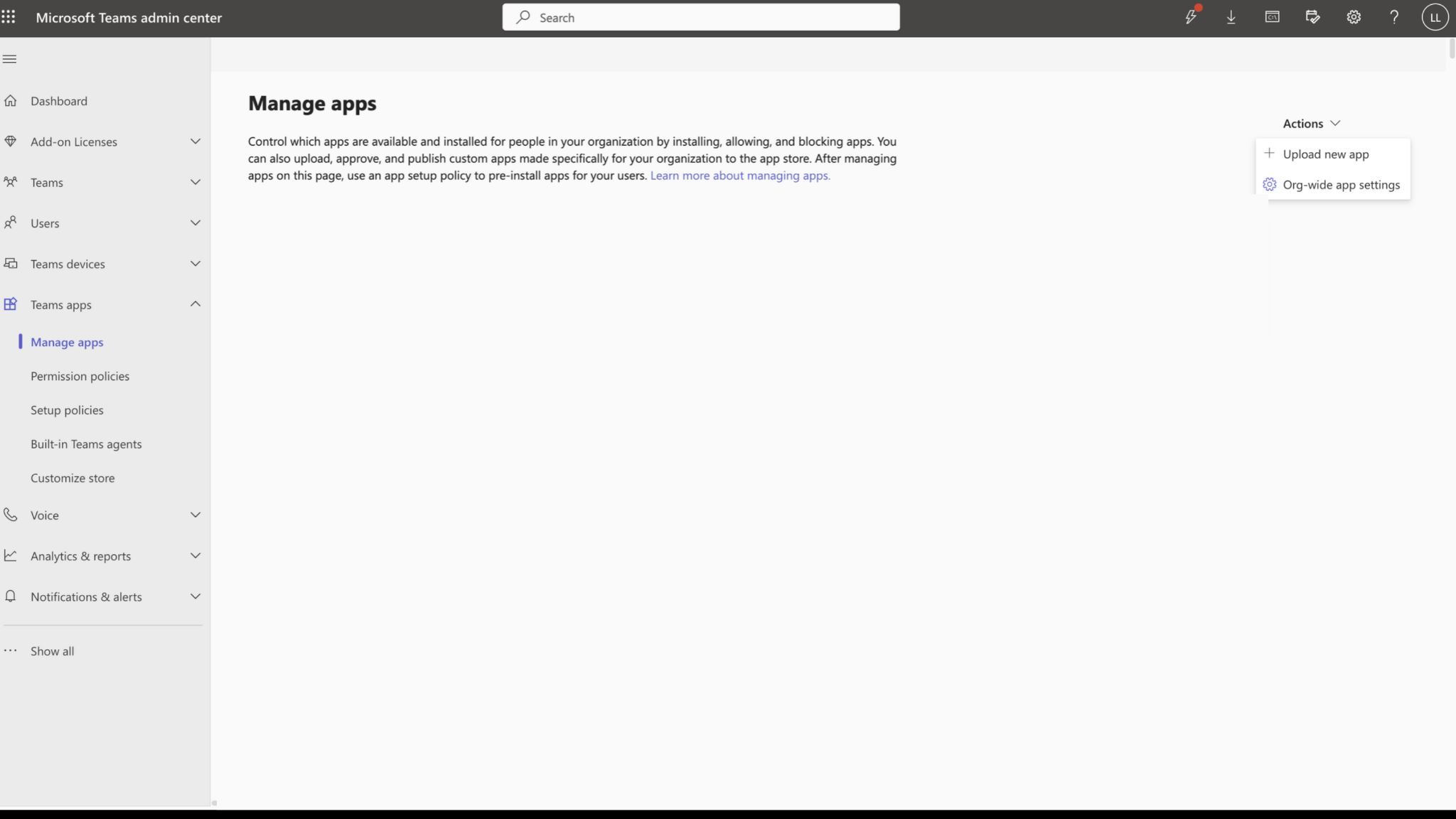
Step 6: Start the upload
Click Actions in the top right, then Upload new app.
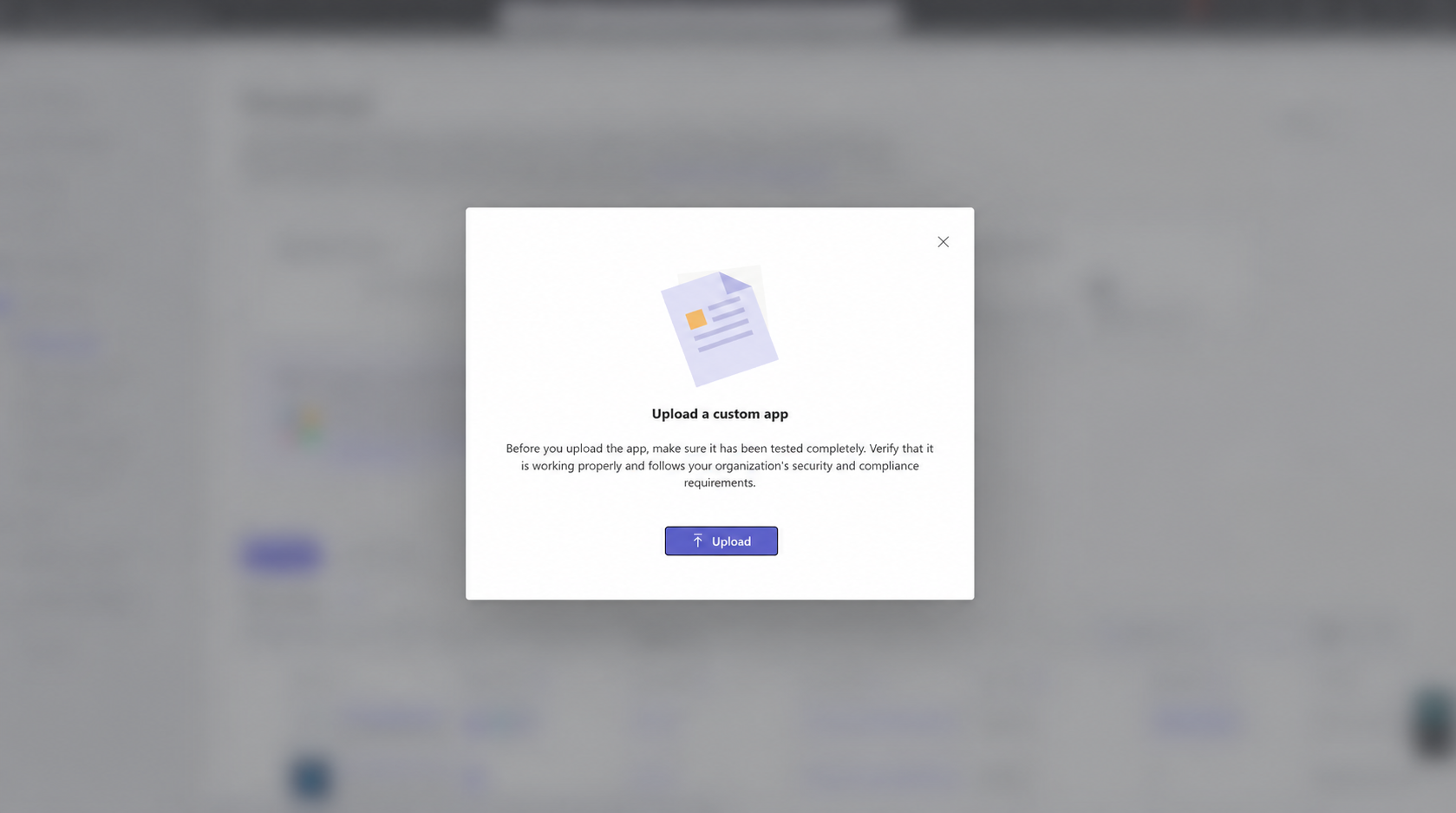
Step 7: Upload the zip file
Select the package you downloaded from Greenboard.
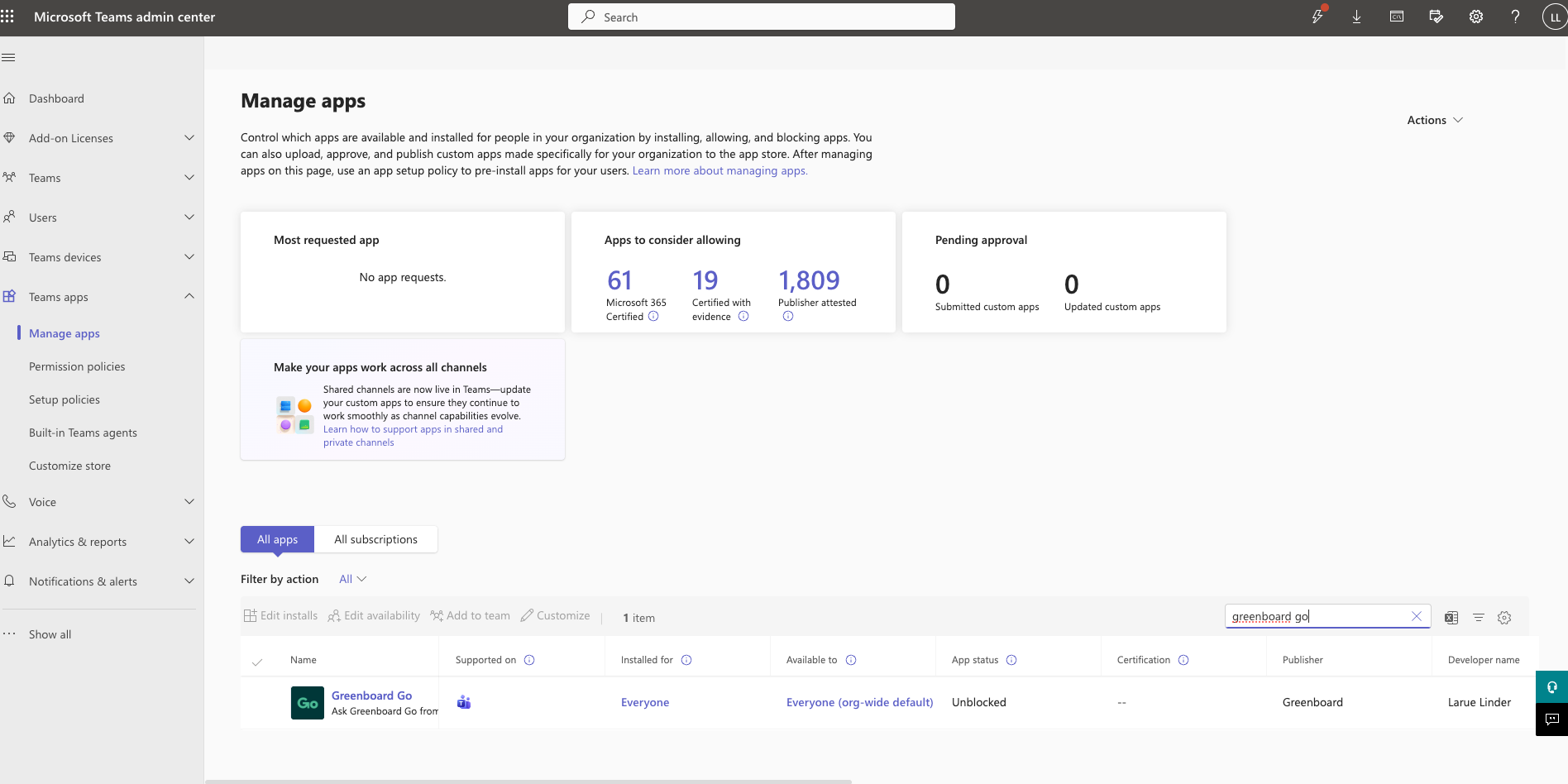
Step 8: Find GreenboardGo
Return to Manage apps and search for GreenboardGo.
Step 9: Open the app’s access settings
Click GreenboardGo, then Users and groups, then Install app.
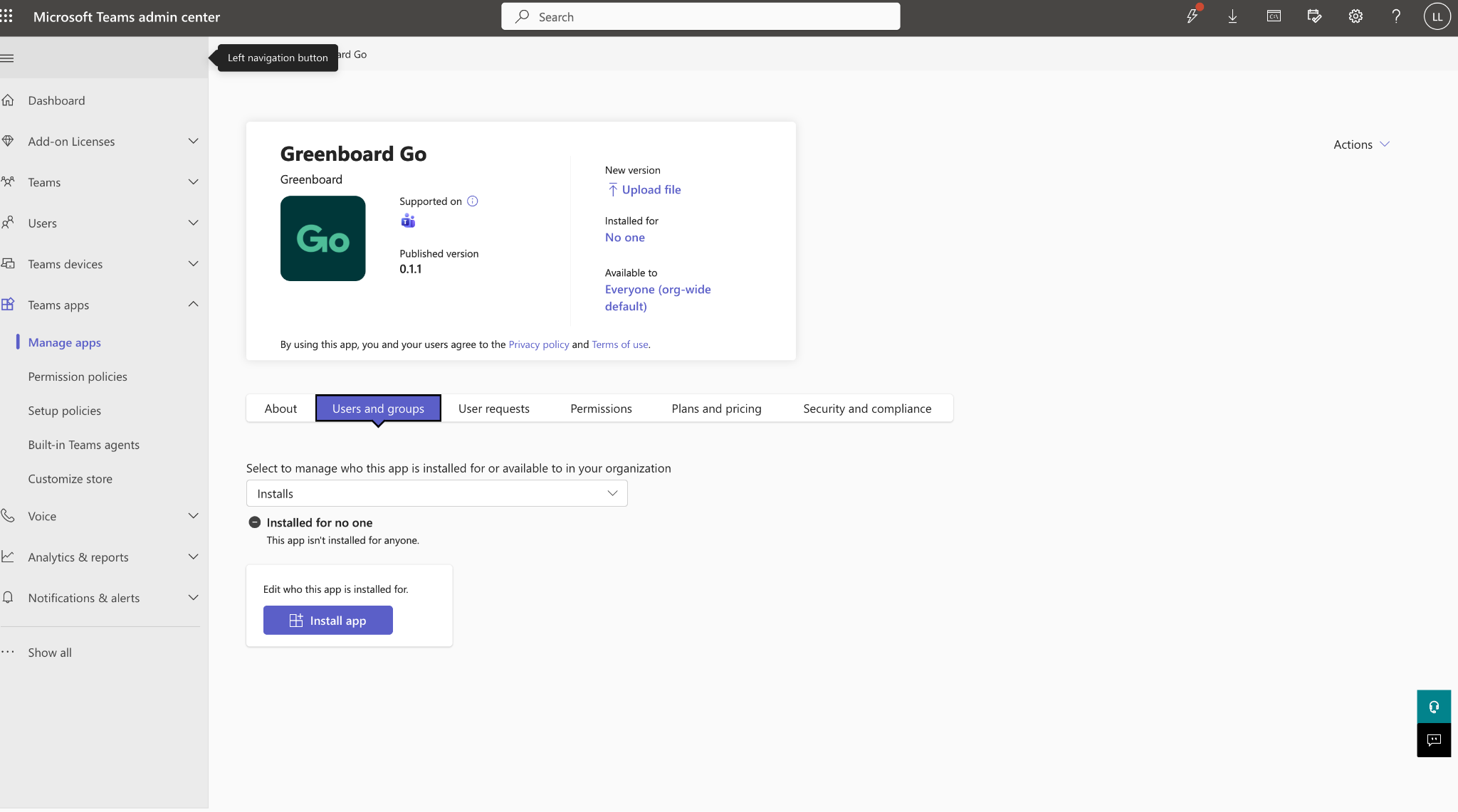
Step 10: Choose who gets the app
Open the Install to dropdown and select Everyone, or choose the specific people or groups who should have access.
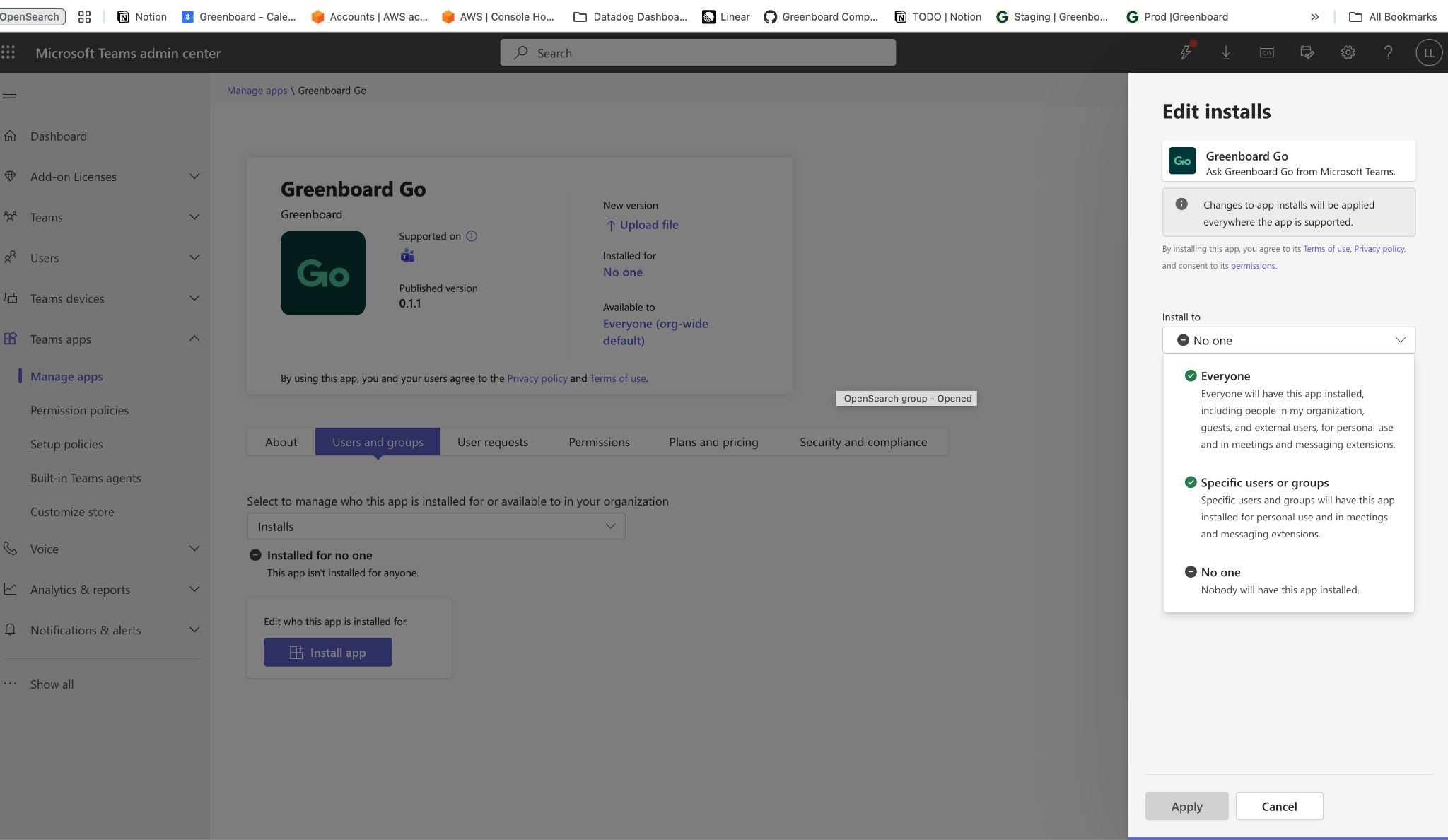
Step 11: Click Apply
Part 2: Add GreenboardGo in Teams
Step 1: Find the app
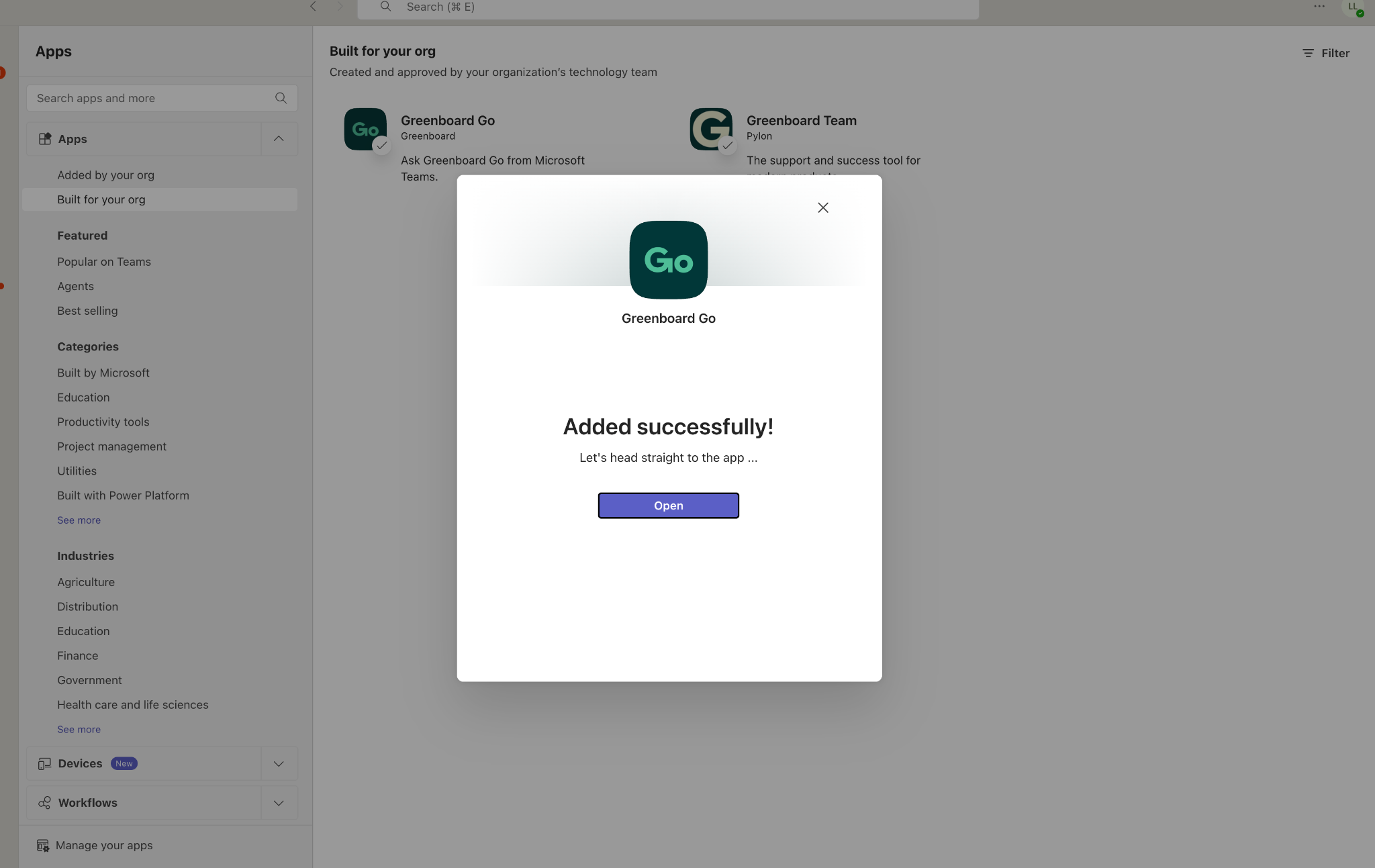
Open Microsoft Teams, go to Apps, and click GreenboardGo.
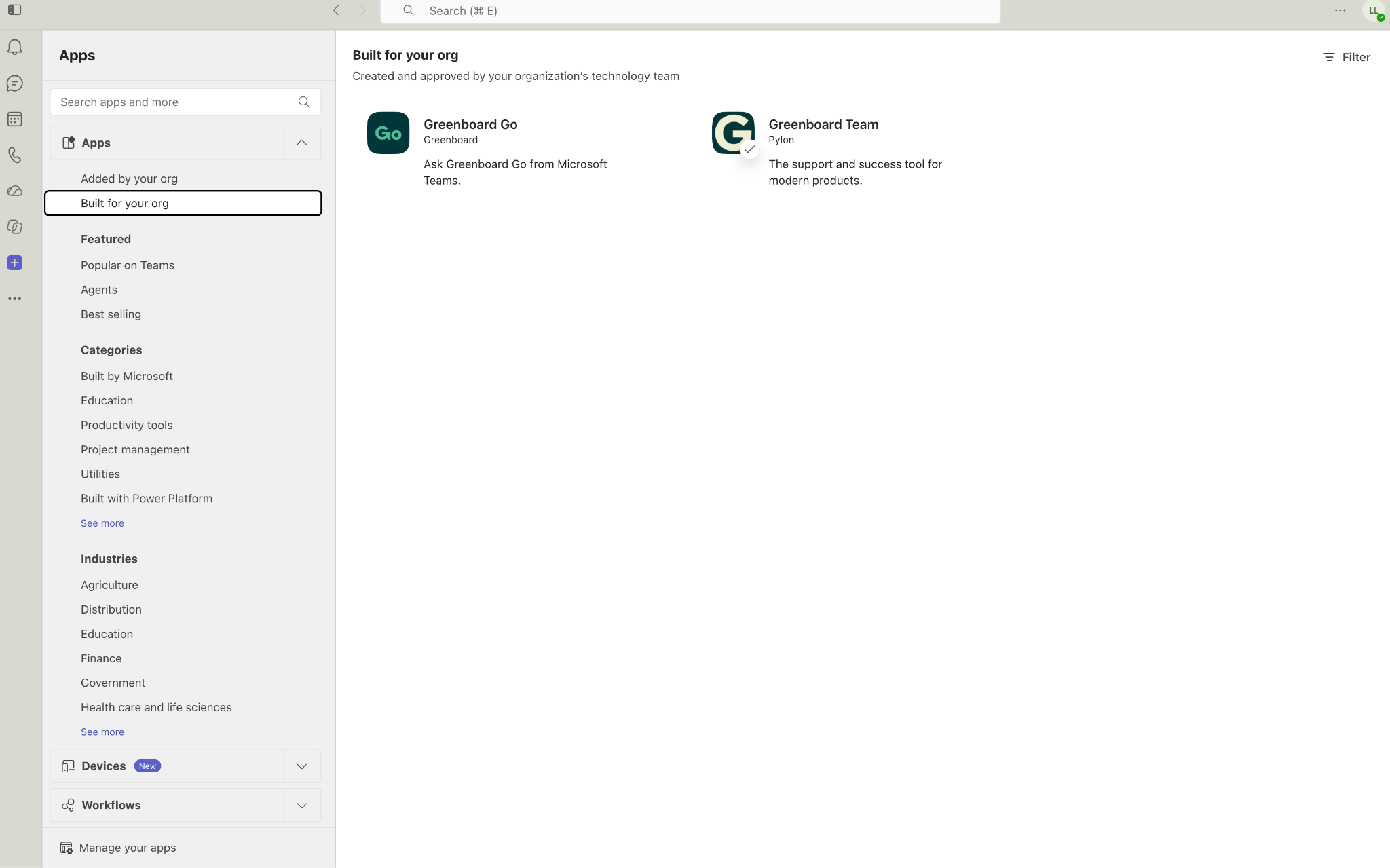
Step 2: Click Add
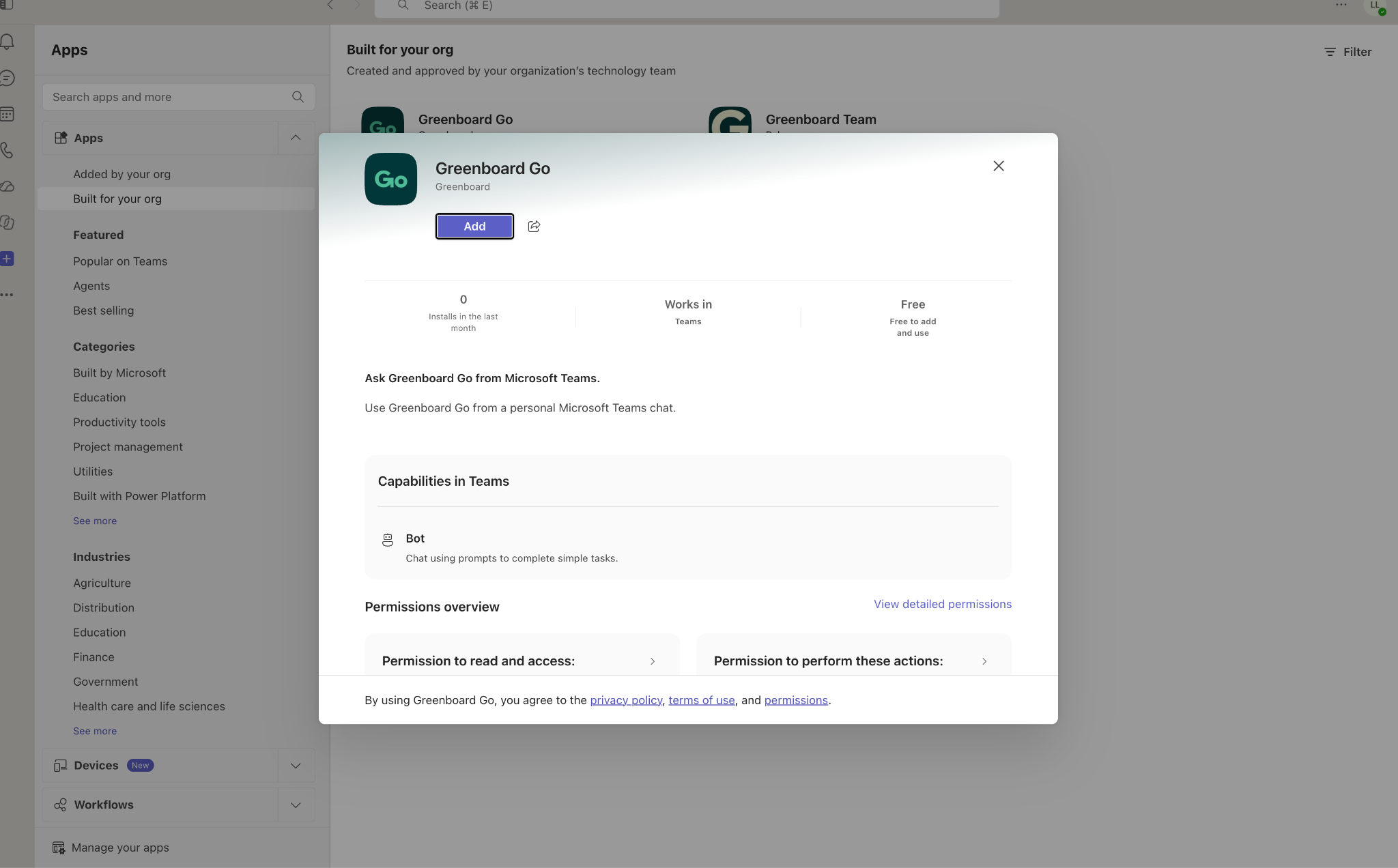
Step 3: Click Open
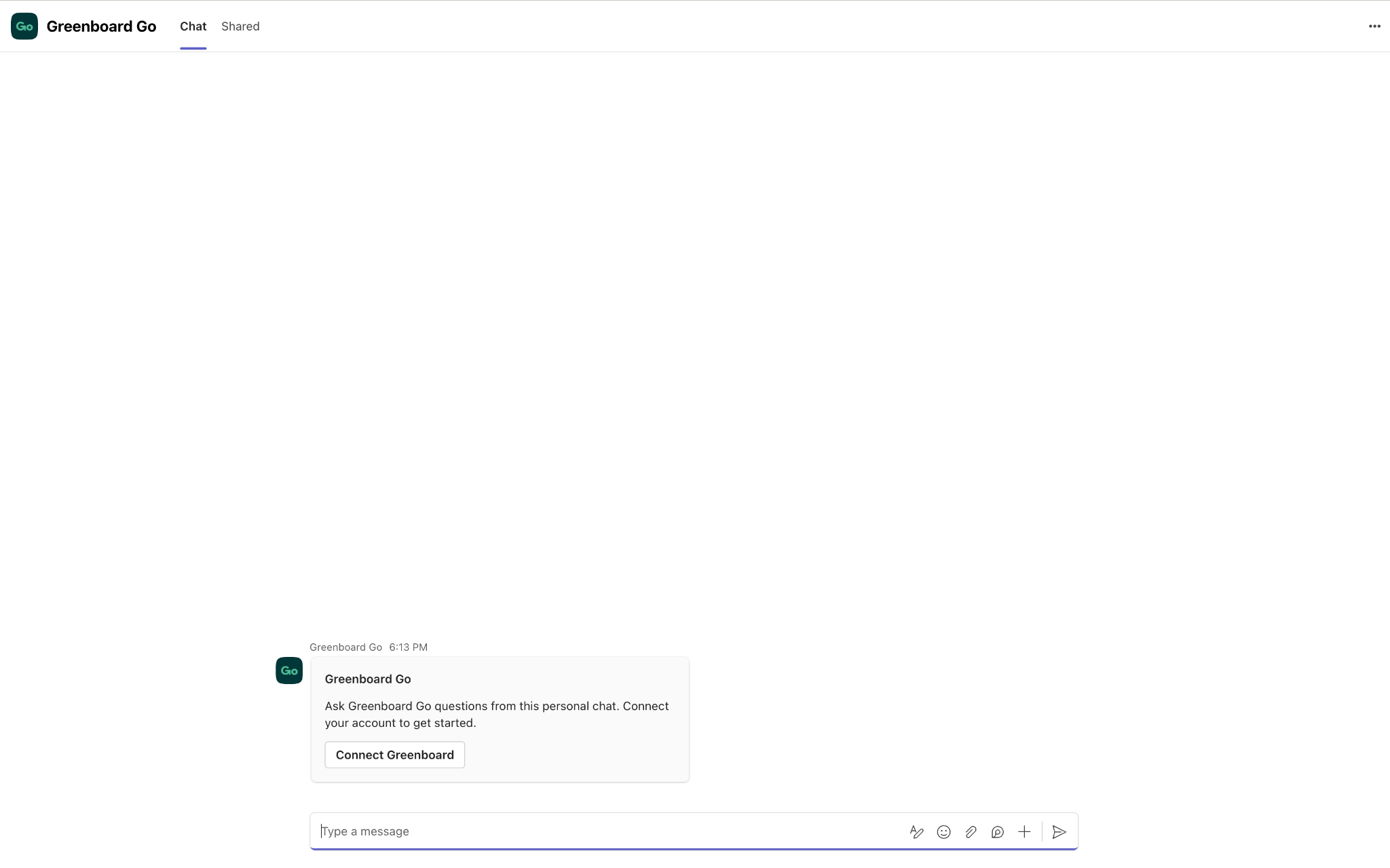
Step 4: Connect your Greenboard account and start chatting
GreenboardGo will prompt you to connect your Greenboard account. Follow the prompts, and you’re ready to go.
Why Use This?
Work where you already are. GreenboardGo lives in Teams, so you can get answers without switching tools or logging in to another window.
Quick, one-time setup. An administrator installs the app once for your organization, and each person then only needs to add it and connect their account.
Controlled by your organization. Your Teams administrator decides who has access, whether that’s everyone or just a specific group.
Uploaded once by a Teams administrator
Available to everyone or only the people you choose
Requires a one-time connection to your Greenboard account
Questions? Contact support@greenboard.com.