
Zoom Chat
Overview
These Zoom Chat monitoring access instructions show how to connect the Greenboard Zoom Archive application to your Zoom account so Zoom messages are pulled into Greenboard.
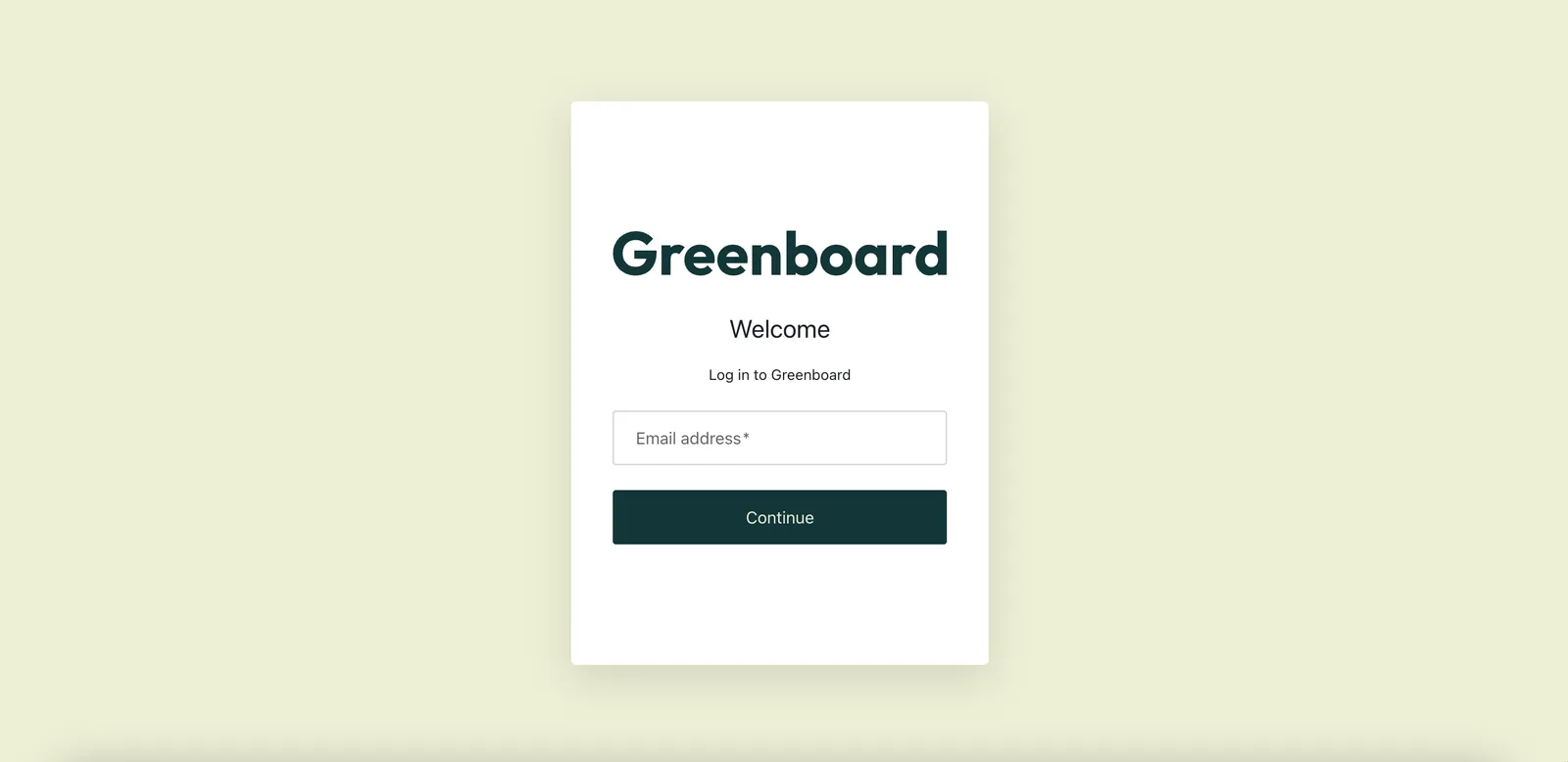
Step 1: Log in to your Greenboard Administrator Account
Log in to your Greenboard Administrator Account: Link
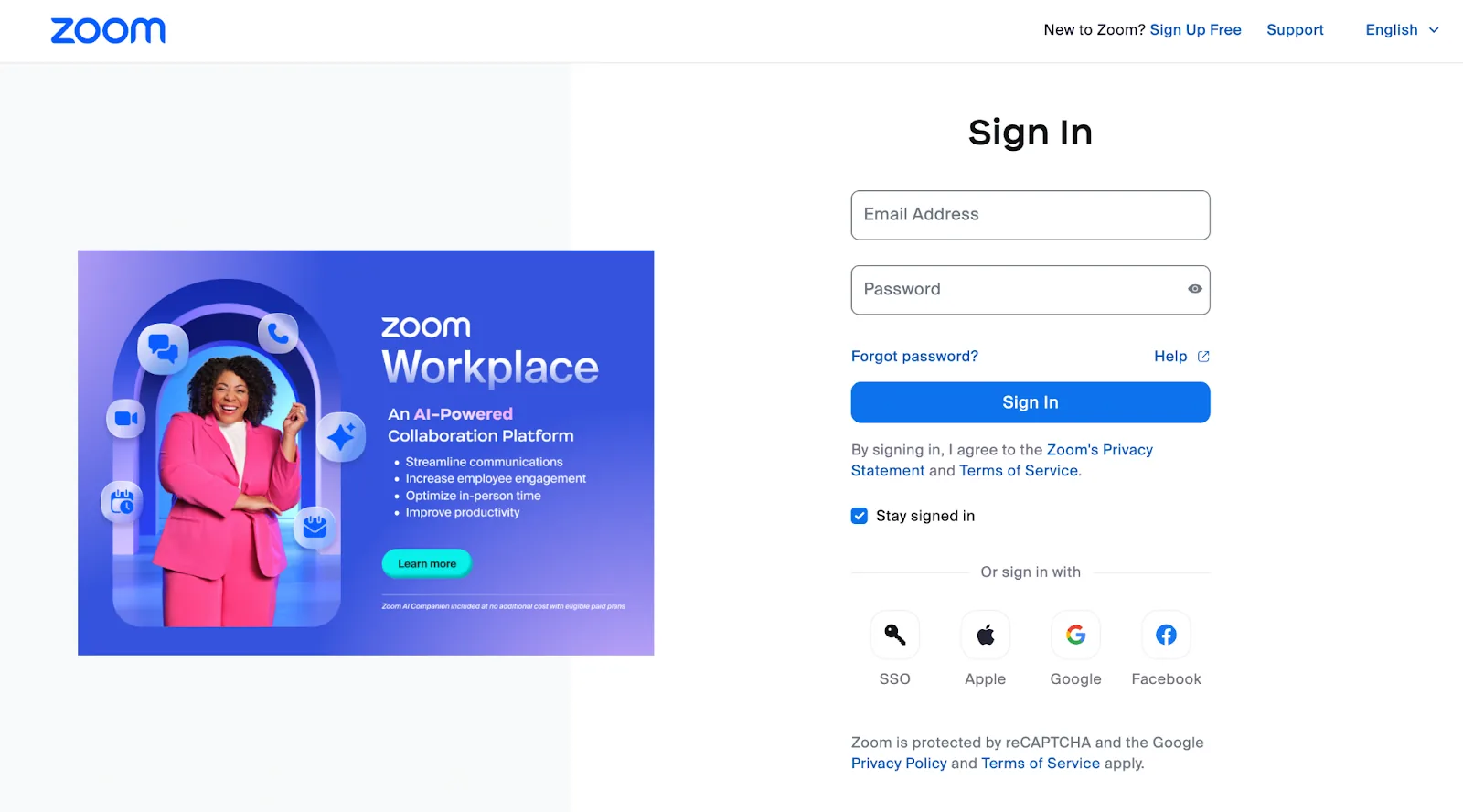
Step 2: Log in to your Zoom Administrator Account
Log in to your Zoom Administrator Account: Link
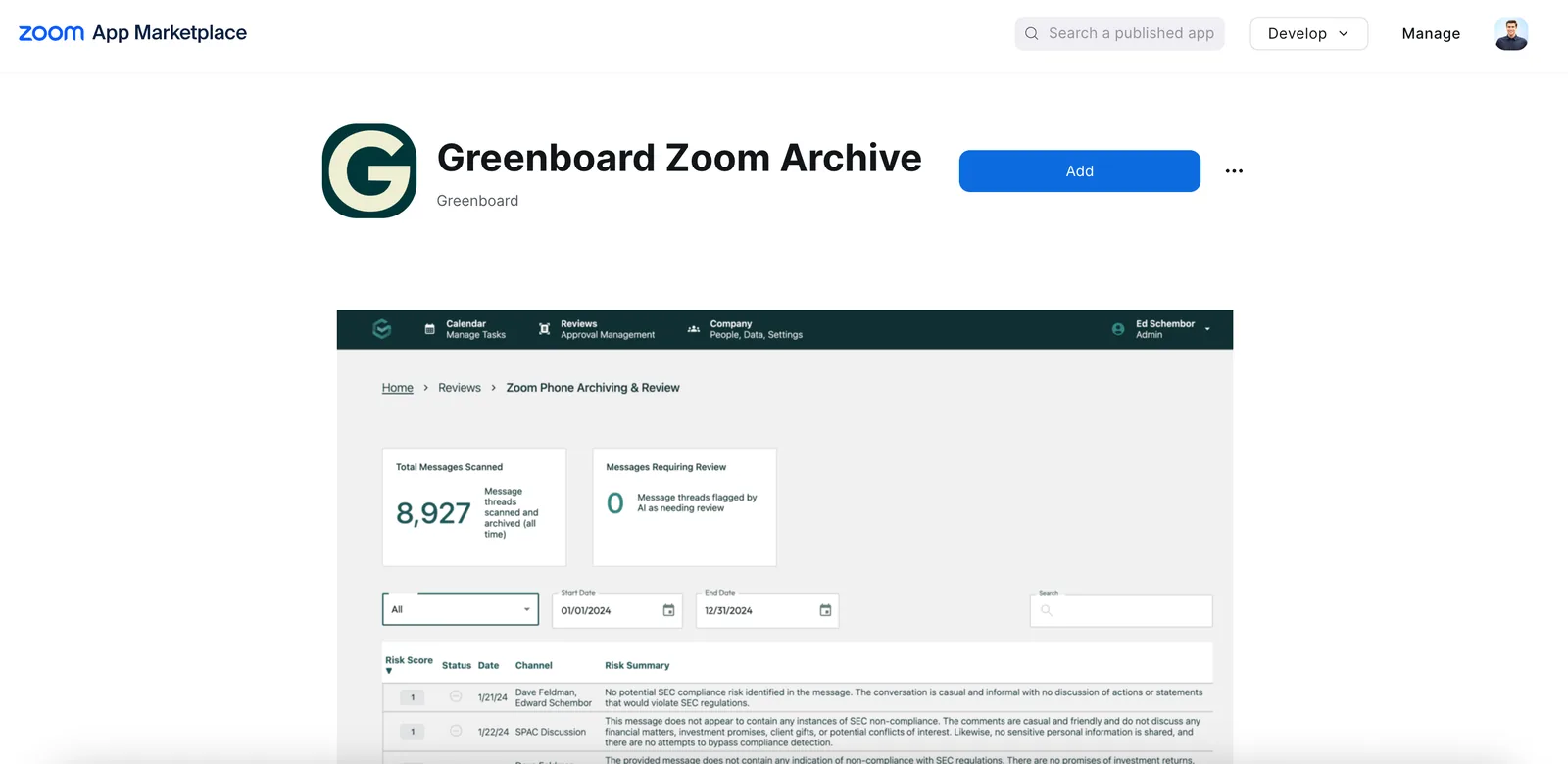
Step 3: Connect the Greenboard Zoom Archive app
Go to the Greenboard Zoom Archive Application in the Zoom Marketplace and connect the application to your Zoom account: Link
Step 4: Integration complete
Your Zoom account is now integrated with Greenboard. Moving forward, Zoom messages will be pulled into Greenboard.
Questions? Contact support@greenboard.com.