
Zoom Phone
Overview
These Zoom Phone monitoring access instructions show how to connect the Greenboard Zoom Phone Archive application to your Zoom account so Zoom messages are pulled into Greenboard.
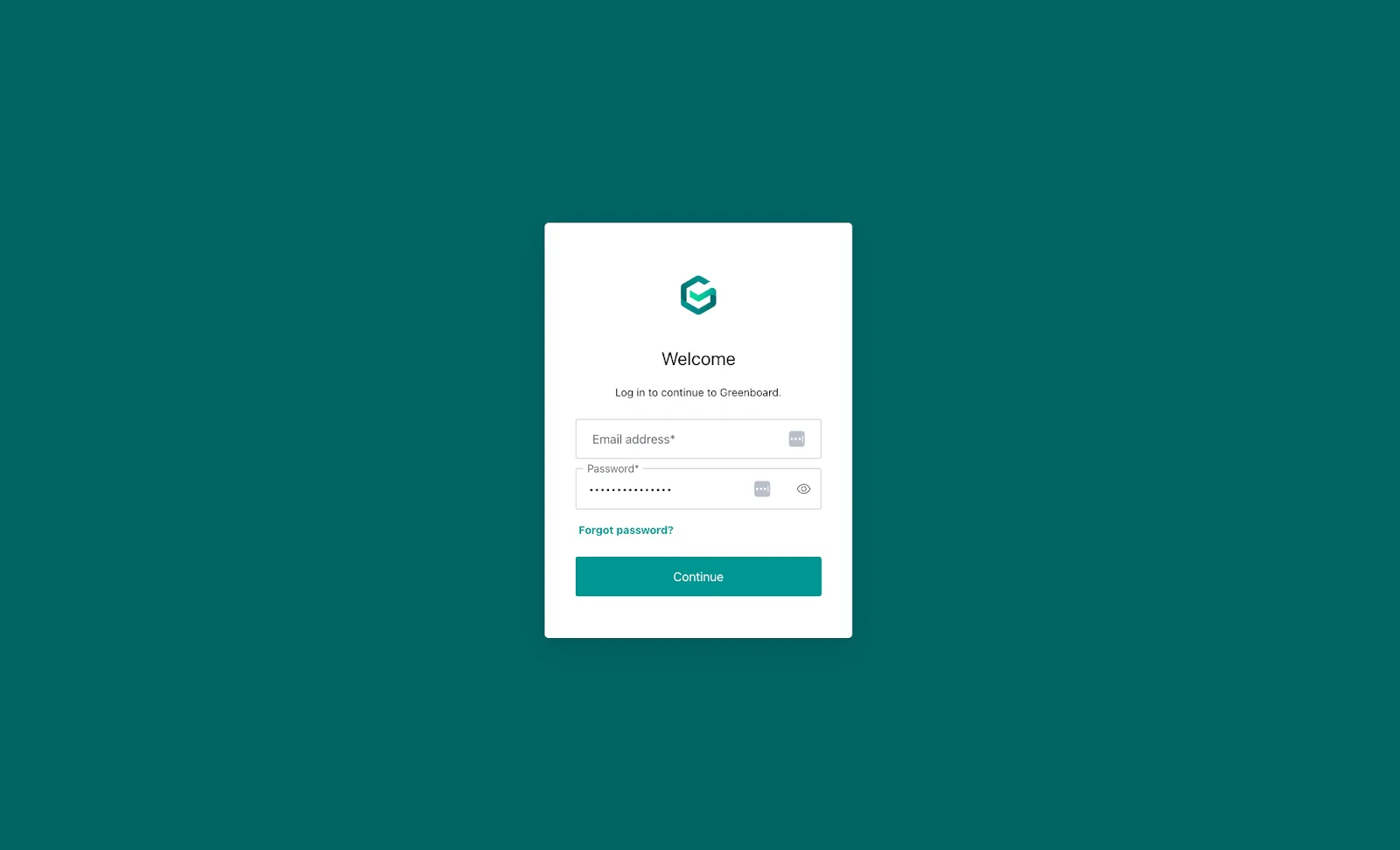
Step 1: Log in to your Greenboard Administrator Account
Log in to your Greenboard Administrator Account: Link
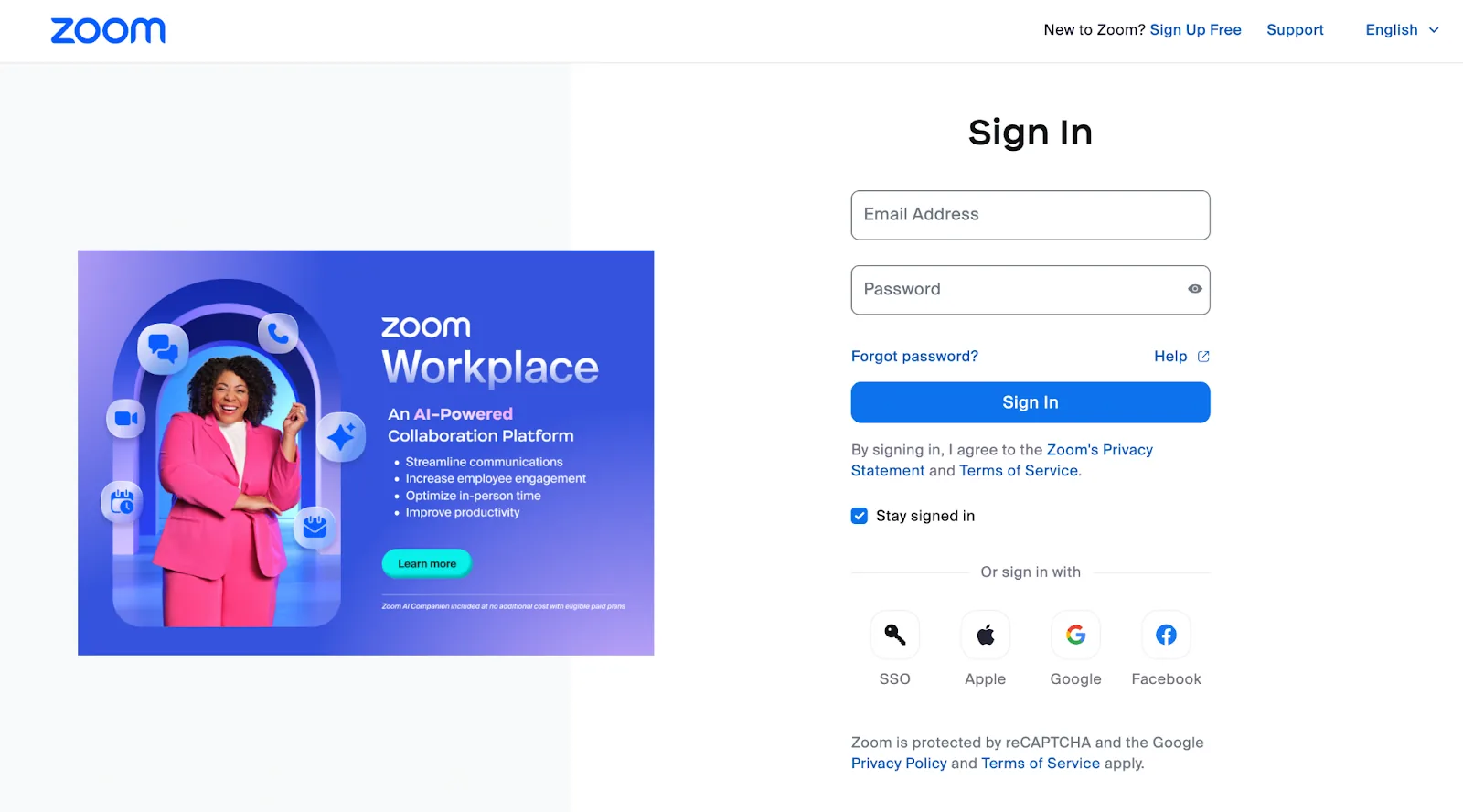
Step 2: Log in to your Zoom Administrator Account
Log in to your Zoom Administrator Account: Link
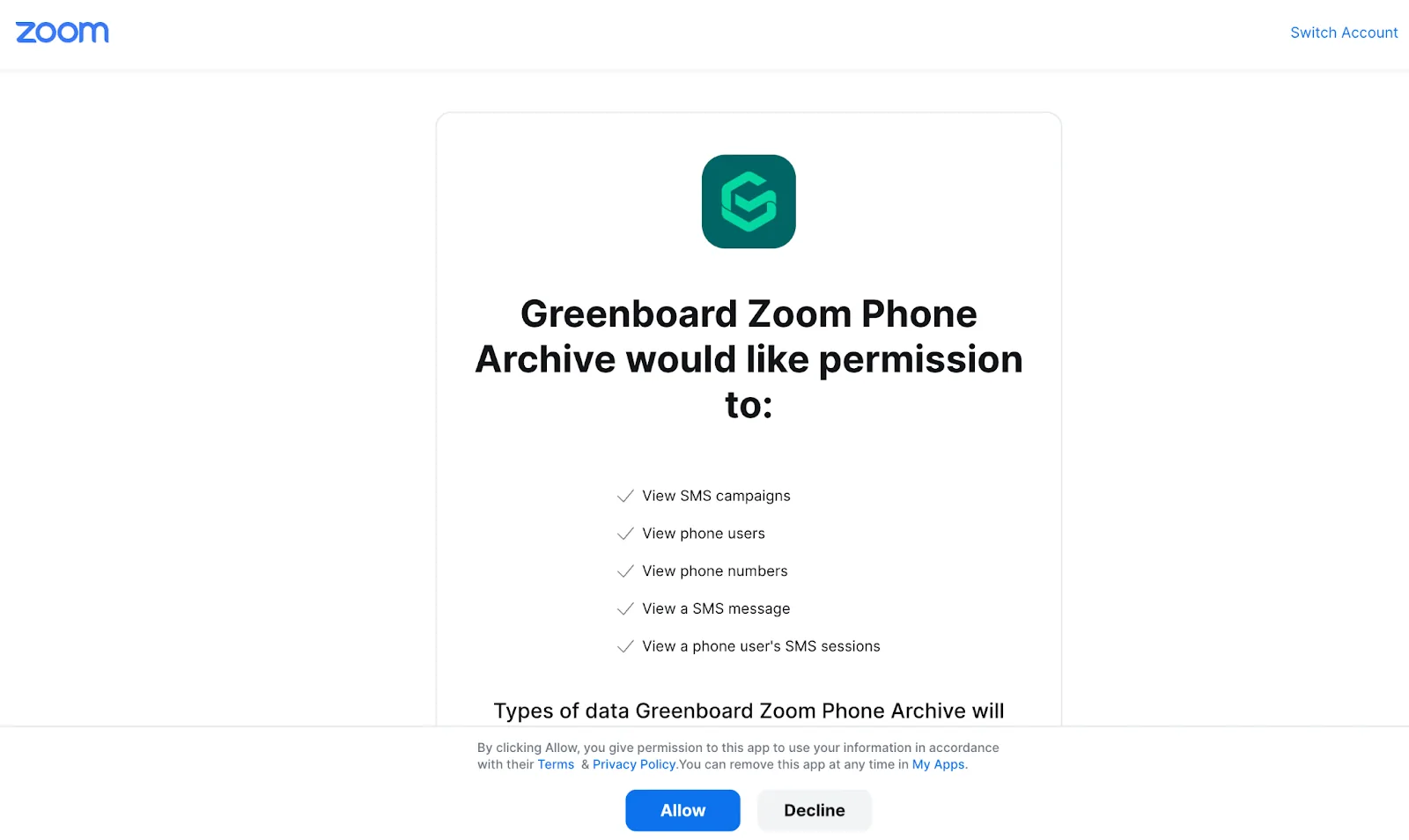
Step 3: Connect the Greenboard Zoom Phone Archive app
Go to the Greenboard Zoom Phone Archive Application in the Zoom Marketplace and connect the application to your Zoom account: Link
Step 4: Integration complete
Your Zoom account is now integrated with Greenboard. Moving forward, Zoom messages will be pulled into Greenboard.
Questions? Contact support@greenboard.com.